

38.3M views
FindaClip searches YouTube and video uploads to find & create viral clips quickly.
It helps you create original commentary and analysis.
It helps you earn on X.
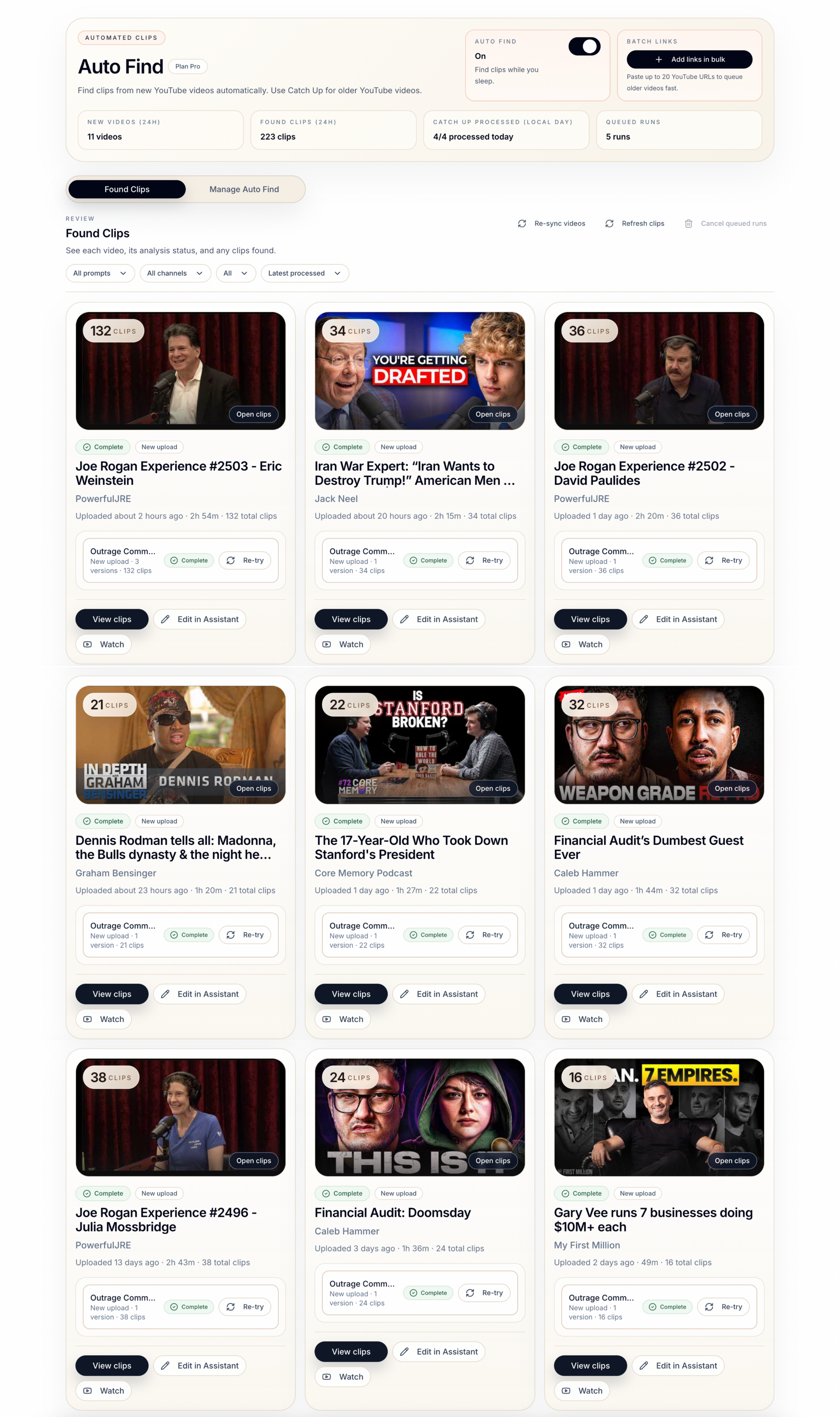
Auto Find scans new uploads from your tracked YouTube channels, so fresh clips are always waiting when you open FindaClip.
Clips come with titles, timestamps, speaker quotes, duration, and ranking, so you can quickly decide what is worth posting and download them.
Use Post Writer to create original commentary and analysis by automatically searching the web for context, sources and facts about your selected clip.
Go from a lengthy YouTube video or uploaded video to ready-to-post clips faster than ever before.
Customer results
FindaClip turns lengthy videos into viral clips and original commentary, without hours of watching, editing or drafting.
01 / 18
38.3M views
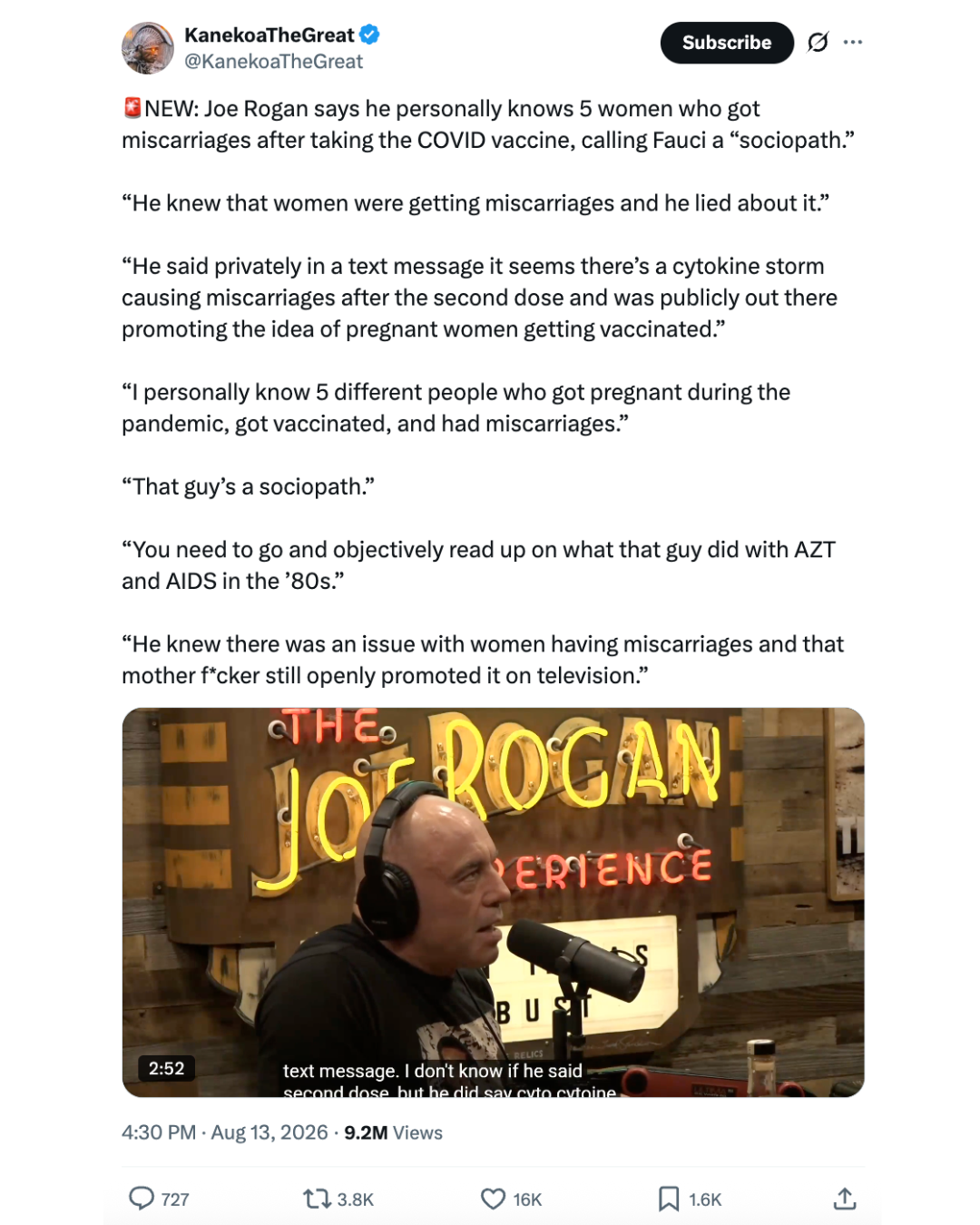
9.2M views

4.7M views
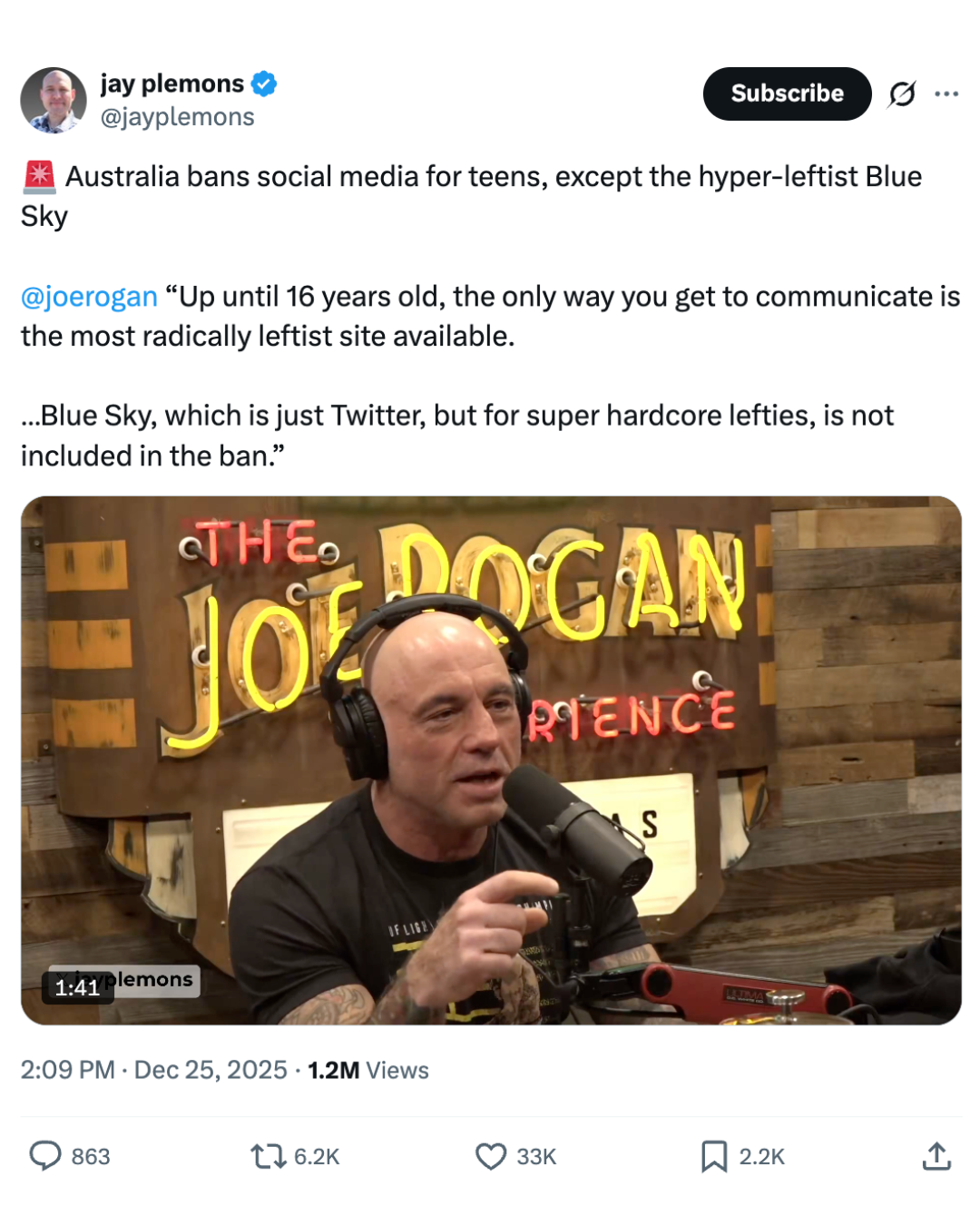
1.2M views

1M views

1.9M views

1.5M views
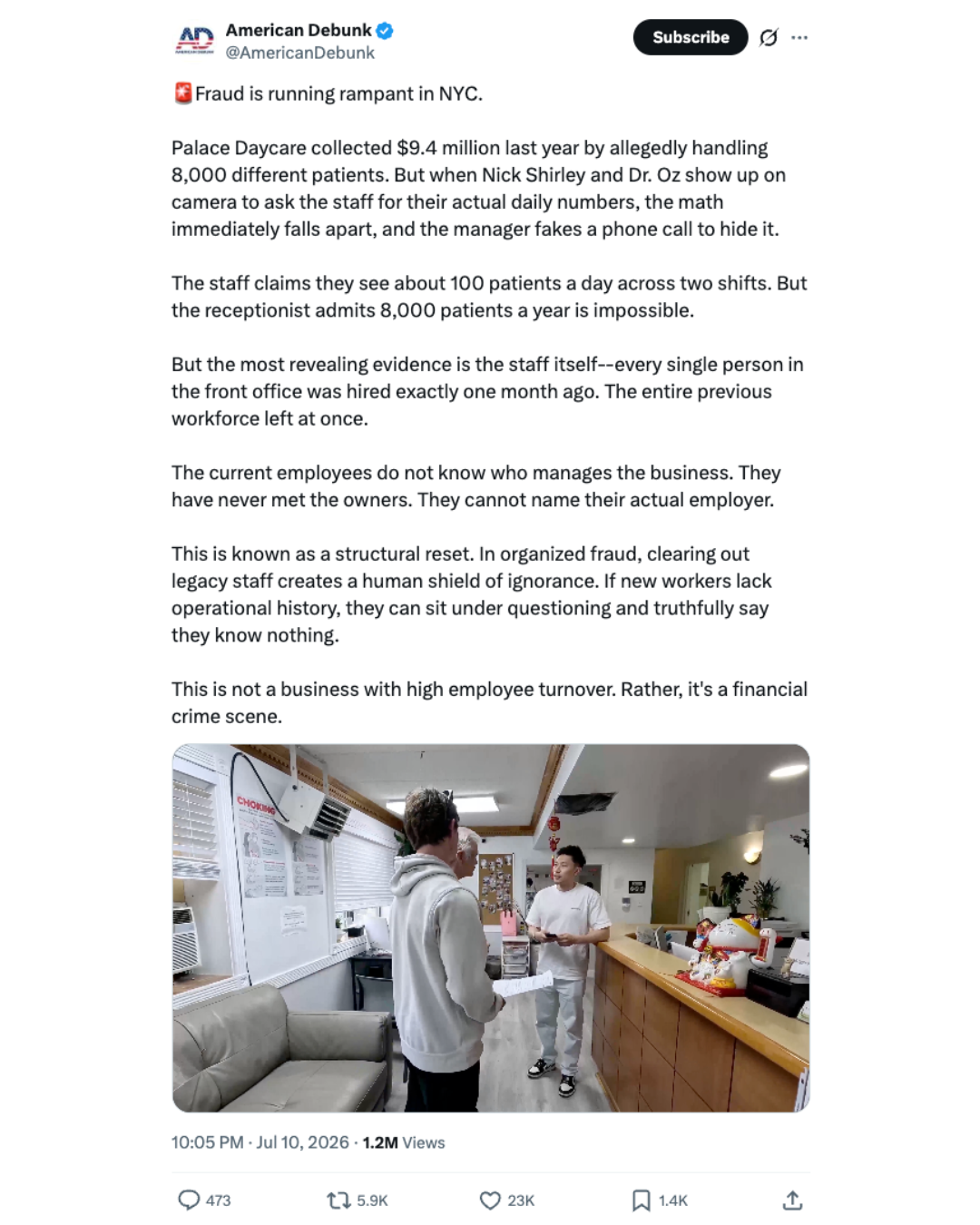
1.2M views
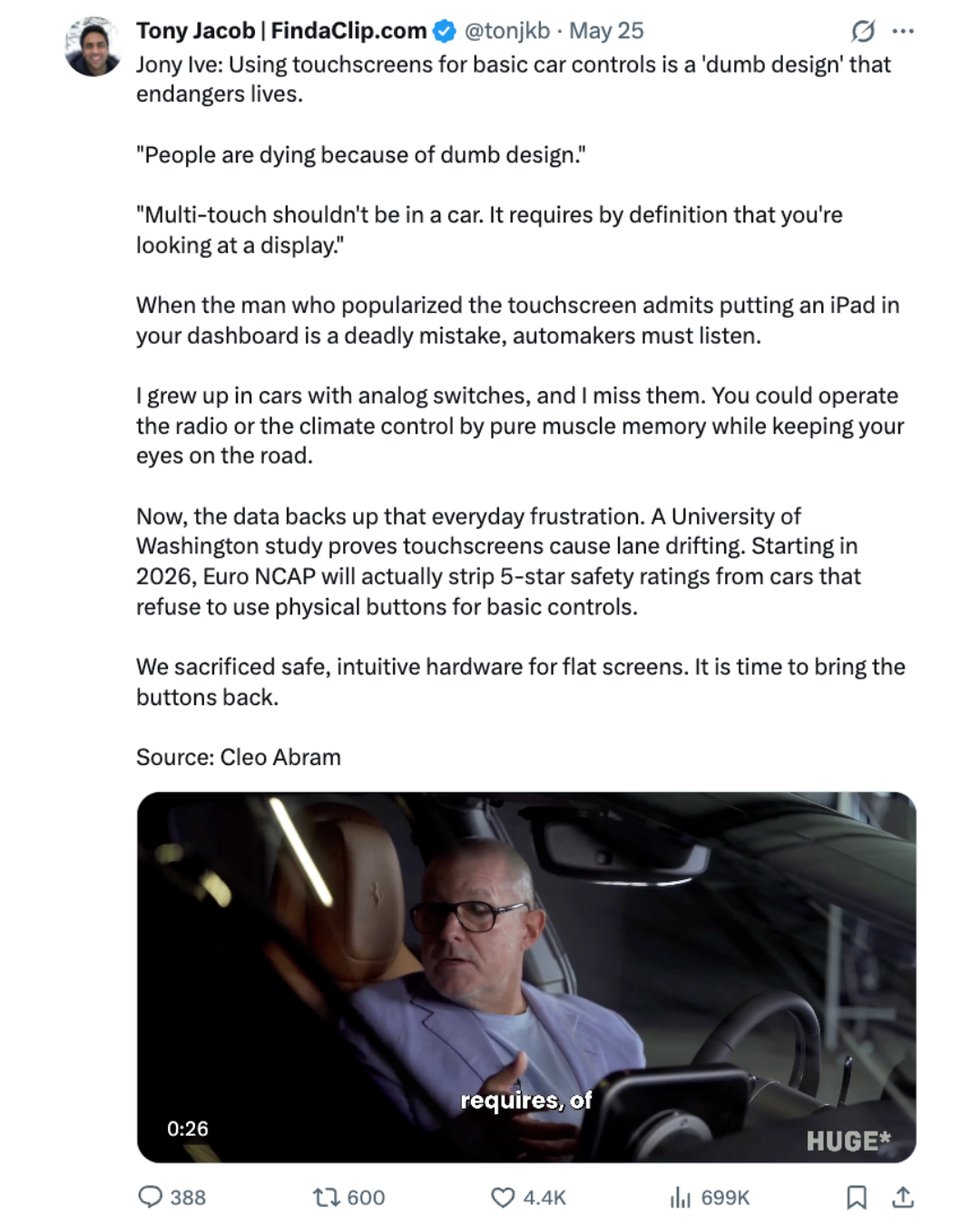
699K views
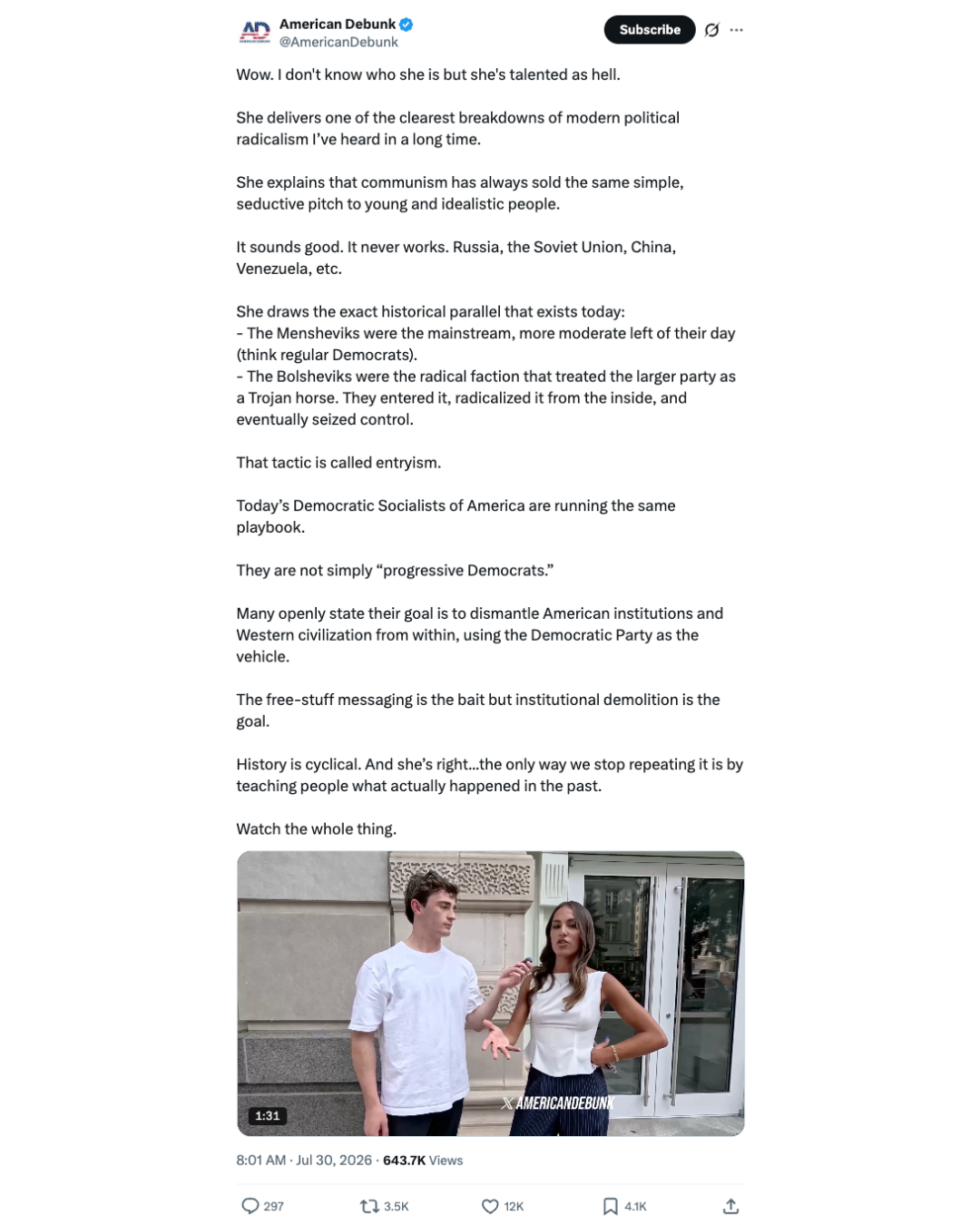
643.7K views

418.3K views

769K views

687.6K views
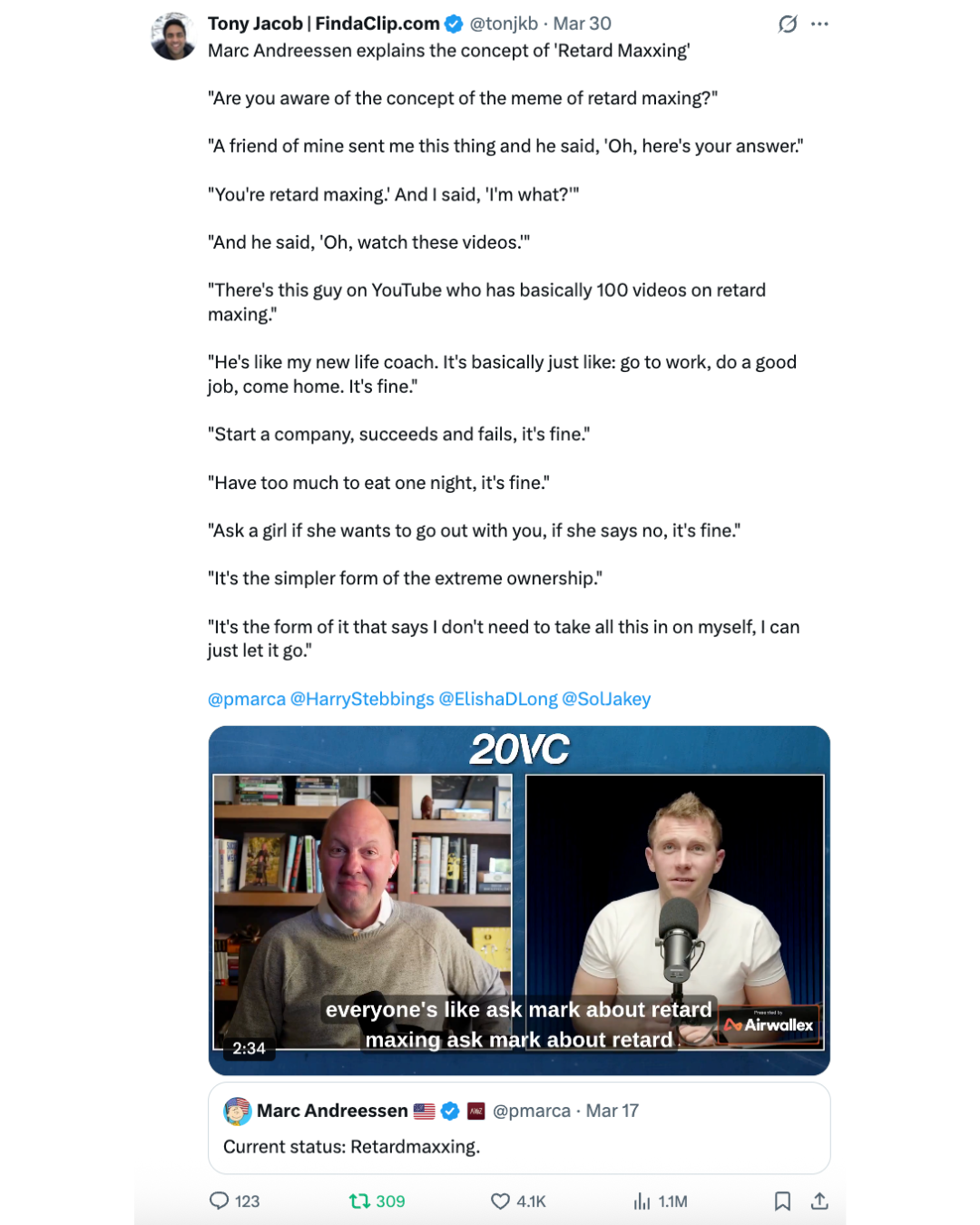
1.1M views
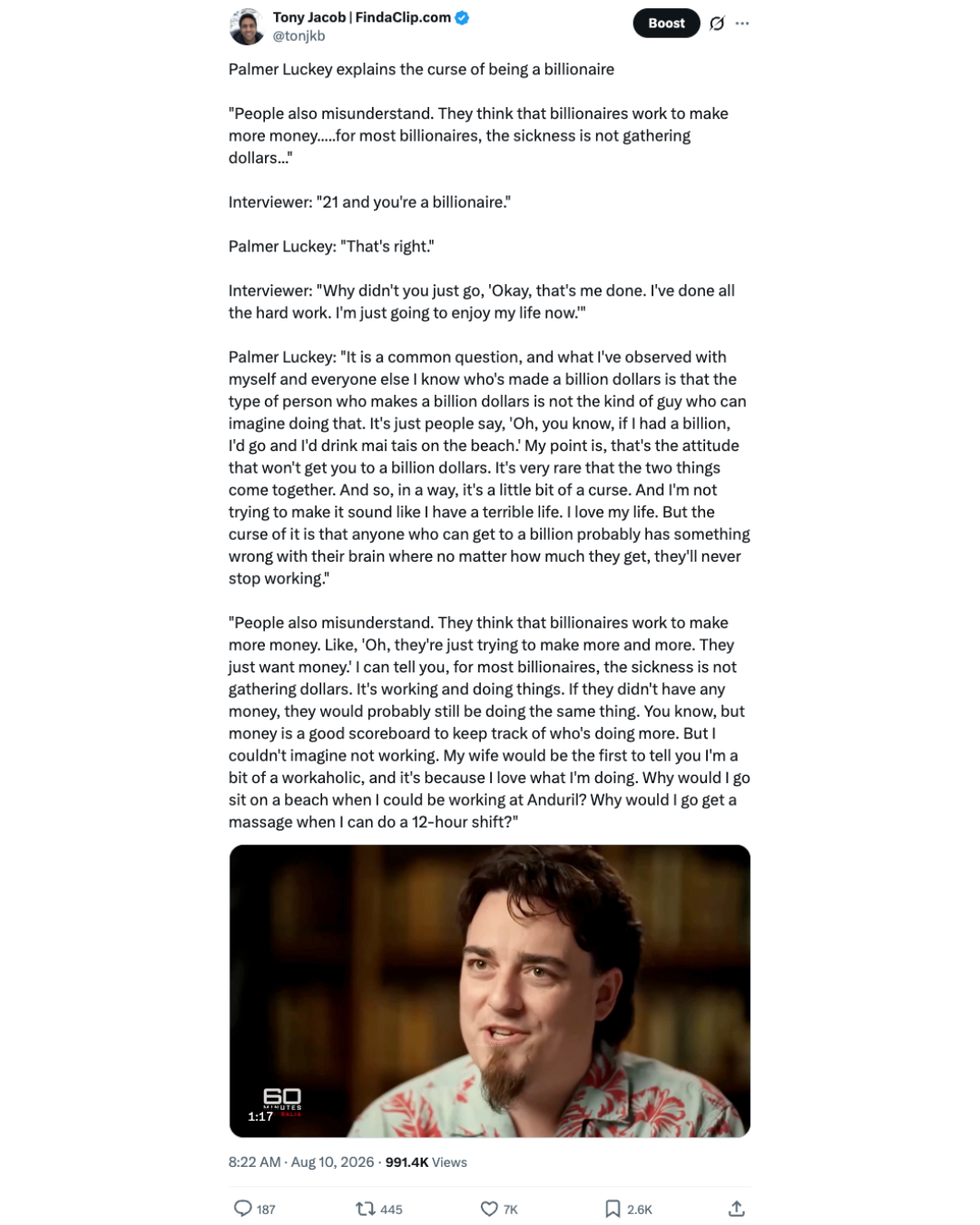
991.4K views

294.7K views

336.5K views

904.4K views
How it works
It's easy. Follow these simple steps.
Setup Auto Find - Part 1
When new videos are published, Auto Find will find clips from them so you are not checking YouTube or watching lengthy videos manually.
Who this is for
FindaClip gives creators an easy-to-use, repeatable system for finding fresh clips early and posting high-value content without all of the manual work.
For creators on X
Creators across niches like AI, business, politics, entertainment, podcasts, news etc. who need a reliable system for finding and creating clips, and adding their own takes.
Find the moments from YouTube channels your niche cares about, including your own channel.
Automatically create well-researched and expertly written posts using the clip, full video, and your own point of view for context.
For clippers
Accounts that grow by posting viral clips first before the same moments get recycled across the timeline.
Post clips consistently without spending hours searching lengthy videos.
Clips are ranked from 0-10 for fast review and come with social media-ready titles and speaker quotes for posting.
For teams
Teams who need a shared workspace to turn YouTube videos, podcasts, interviews, and livestreams into publishable X content.
Monitor important sources together. Share Auto Find channels, prompts, and results so your team can turn new uploads into clips for X.
Create original commentary with your team’s point of view. Use web research to add facts and context, with shared AI credits and member credit limits to control spending.
Customer reviews
FindaClip helps customers create high value content faster and reliably. Always have something to post.
01 / 04
“FindaClip.com helps me get millions of impressions on X every week. I’ve tried Opus and Descript, but FindaClip is the first clipping tool that actually helps me find great clips. It’s incredibly simple to set up, easy to use, and has become a huge part of my content workflow.”

KanekoaTheGreat
@KanekoaTheGreat“I can’t imagine posting clips on X without FindaClip. Hundreds of hours of new content drop every week, and FindaClip gets me the next banger in minutes. Auto Find tracks all my YouTube channels for me so I don't miss anything. One click and the whole video is analyzed, the clips sorted by rating potential, complete with title suggestions ready to go. The results speak for themselves. Scroll through @jayplemons on X and see for yourself how powerful FindaClip is.”

Jay Plemons
@jayplemons“I love using FindaClip. It saves me a ton of time and helps me pull in 4 figure X payouts by finding the best clips fast. As someone who wanted to start posting clips on X, FindaClip made it seamless. I especially like being able to choose Outrage comment clips or Best topic clips, sort them chronologically or by viral ranking, and grab speaker quotes. There's an X post feature that I especially apprecaite. It gives me ready-to-post X content using the built-in prompts (or using my own prompts). Before FindaClip I wasn’t clipping at all even though it was something I wanted to do. Some of the other tools out there felt too technical and I never had time to learn them. I signed up for FindaClip and was clipping in minutes. I now have multiple viral posts a week. I can't recommend FindaClip enough.”

American Debunk
@AmericanDebunk“I built FindaClip and use it daily to track interviews and podcasts across AI, tech, business, and investing, find the strongest moments, and move from long-form video to clips I can post in a fraction of the time it takes others.”

Product features
FindaClip's tools help you find, create, and post high-quality content.
Assistant
Upload lengthy video or paste a YouTube URL, then use quick-start prompts or your own question to find clips from the video without scrubbing through the full video yourself.
Works with your Agent
Use your own AI assistant with FindaClip's MCP server to find clips from YouTube links or Auto Find results.
Works with any AI chat app or agent that supports MCP.
could you show the clips from the recent Joe Rogan Bob Lazar podcast?
I used the FindaClip connection to get the clips from Joe Rogan Experience #2479 - Bob Lazar & Luigi Vendittelli.
FindaClip found 45 clips.
Open the complete clip collection in FindaClip↗Before and after
FindaClip helps you move from a messy clip hunting process to a smooth repeatable workflow for finding, preparing, and writing about the moments your audience cares about.
Without FindaClip
Speed
You find clips after manually checking channels, watching long videos, and waiting for obvious moments to surface on the timeline.
Selection
You scrub through long videos, guess which moments are worth posting, and rewatch clips to confirm timestamps and context.
Edits & commentary
Even after finding a clip, you still have to trim it, prepare it, and figure out the take that makes it worth sharing.
With FindaClip
Speed
New uploads from your tracked channels flow into Auto Find, so you can find strong clips earlier and spend less time hunting.
Selection
FindaClip gives you ranked clips with titles, timestamps, speaker quotes, and playback so you can quickly choose the moments worth posting.
Edits & commentary
You can tighten timestamps, record or export clips, and use Post Writer to turn your notes and clip context into strong origininal commentary for X.
Pricing
Choose an individual plan or a shared Teams workspace.
Plus
For getting started.
Same features in every individual plan.
AI credits
1,250
Auto Find YouTube channels
20
Catch Up YouTube channels
2
$0 due today · Then $25/month · Cancel anytime.
Pro
For posting daily.
Same features in every individual plan.
AI credits
2,500
Auto Find YouTube channels
50
Catch Up YouTube channels
4
$0 due today · Then $50/month · Cancel anytime.
Power
For higher volume workflows.
Same features in every individual plan.
AI credits
3,750
Auto Find YouTube channels
100
Catch Up YouTube channels
6
$0 due today · Then $75/month · Cancel anytime.
Includes 100 AI credits for trial. Full AI credits for monthly plan unlocks at end of trial and start of paid subscription.
FAQ
 Claude
 Claude Code
 Codex
Codex OpenClaw
 Hermes